1Start with capacity and the menu
Find out how many portions, seats or guests you want to serve in the busiest shift and how wide the menu will be. This determines which equipment you need and how large it must be.
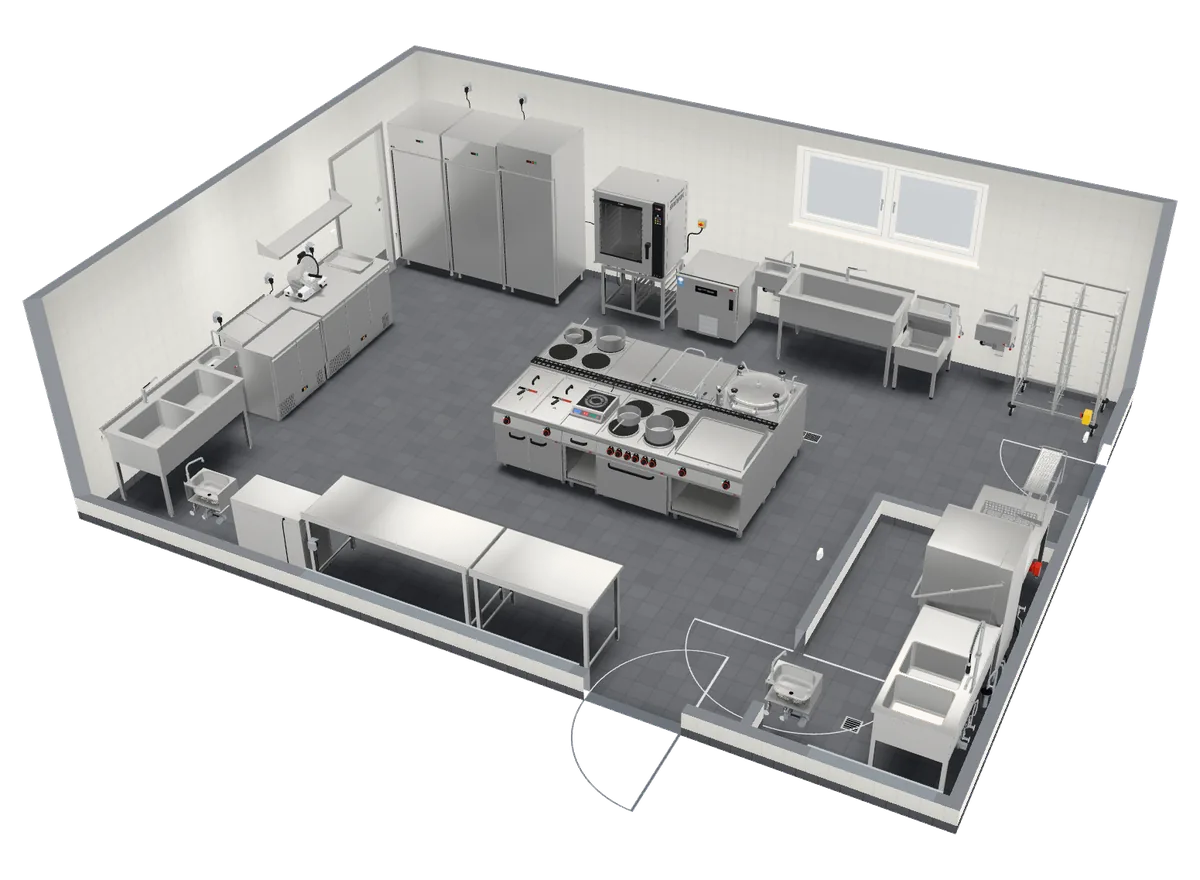
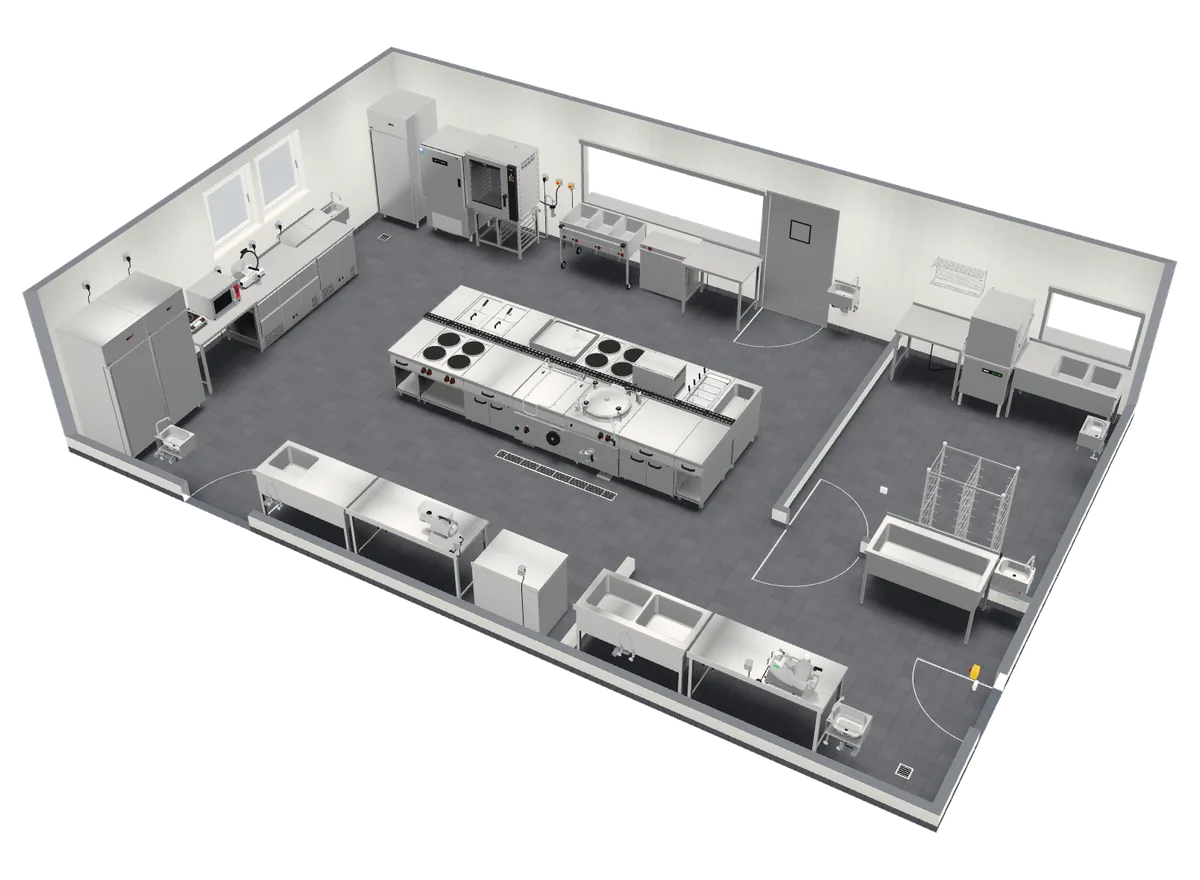
A pizzeria with one oven and a central kitchen producing hundreds of meals have different needs from a café. The sample kitchens in the planner show how capacity translates into floor area and equipment.
2Divide the kitchen into work areas
A typical commercial kitchen has goods in and refrigeration, meat and vegetable preparation, a hot and a cold kitchen, serving and dishwashing. Smaller businesses combine areas, but the order stays the same.
3Design the workflow in one direction
Ingredients should travel from goods in through preparation and cooking to serving, and dirty dishes should come back by a different route from finished meals. Crossing clean and dirty routes complicates operation and hygiene.
The hygiene requirements of a specific business are assessed by the competent authorities and a designer.
4Allow for aisles and work stations
Leave enough room around cooking lines and work stations for moving, opening doors and trolleys. The sample kitchens in the planner allow aisles of at least 1 m, and more at work stations and islands.
5Choose equipment by output
Choose the size of the combi oven, the number of hobs or the volume of the kettle according to capacity and menu, and leave some reserve for peak times.
In the planner you can swap any item for a different size and the price is recalculated, so you can compare variants easily.
6Keep dishwashing away from serving
The dishwashing room belongs far from the pass. According to professional practice, white ware (plates, cutlery) and black ware (pots, trays) are usually washed separately, which is why the school canteen and central kitchen samples have a separate black-ware wash by the cooking area.
7For a refurbishment, start from what exists
Measure the room, draw in the doors, windows and partitions and note what stays (drains, water, electricity and gas supply). Design the new layout accordingly and compare several variants in 3D before you order anything.
8Prepare the enquiry
An enquiry should include a floor plan with dimensions, the capacity of the business, a list of equipment and the required date. Send it from the planner free of charge; a sales representative of RM Gastro or its partner prepares a quotation.